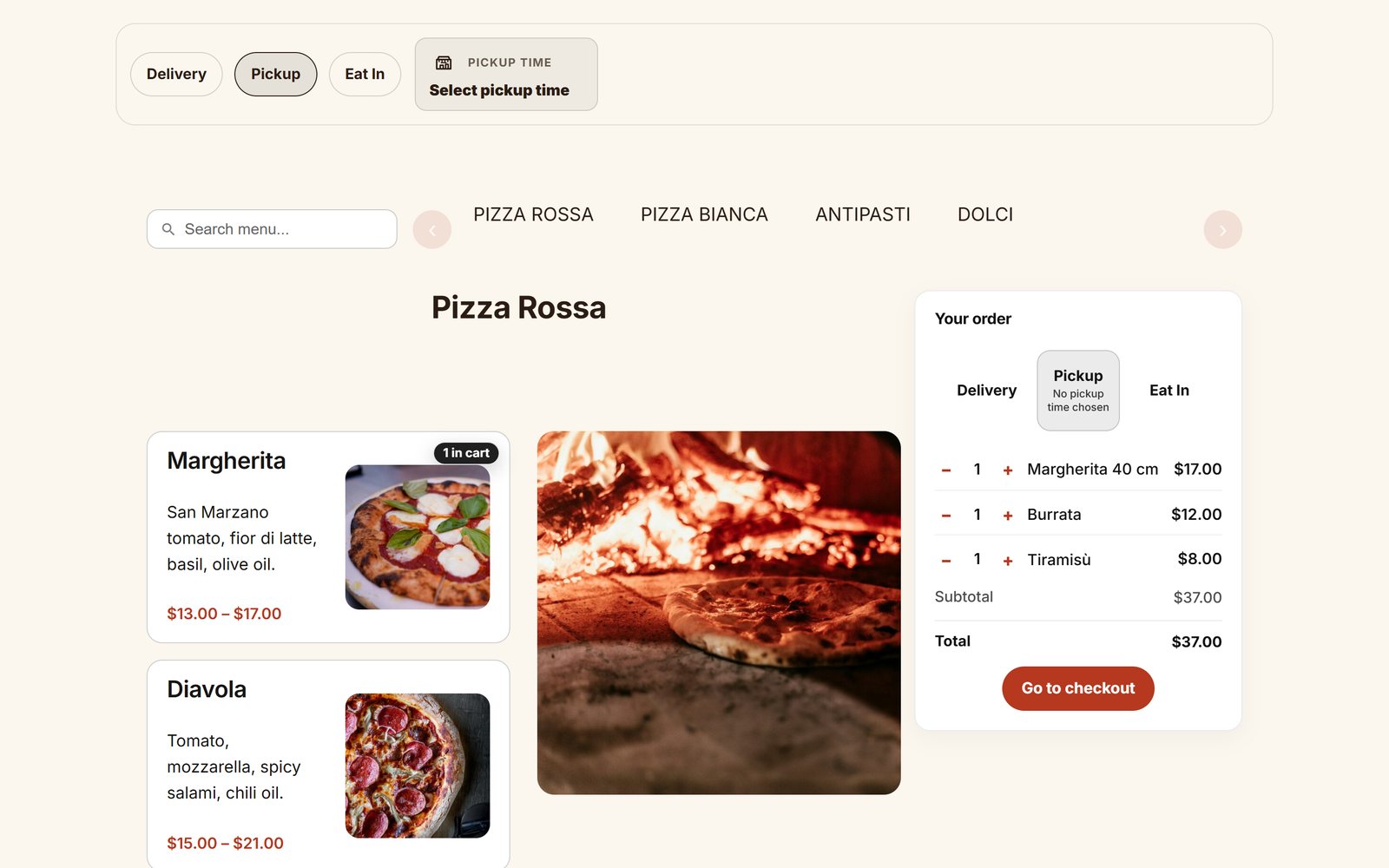
Food Online 6 is the biggest update of our restaurant ordering plugin so far. The main idea: you should not have to be a designer to get a good-looking ordering site. Pick one of the ready-made templates, create the ordering page with one click, and your restaurant is ready to take orders, on your own site and without commission per order.
Want to see it first? Every template runs as a real restaurant in the Food Online live demo, where you can order, check addresses and go all the way to the checkout. More about the plugin at foodonlineplugin.com.
Pick a template, and the menu is done
Each template sets the colors, fonts, product cards and the product popup in one go. Choose the one that fits your kind of restaurant:
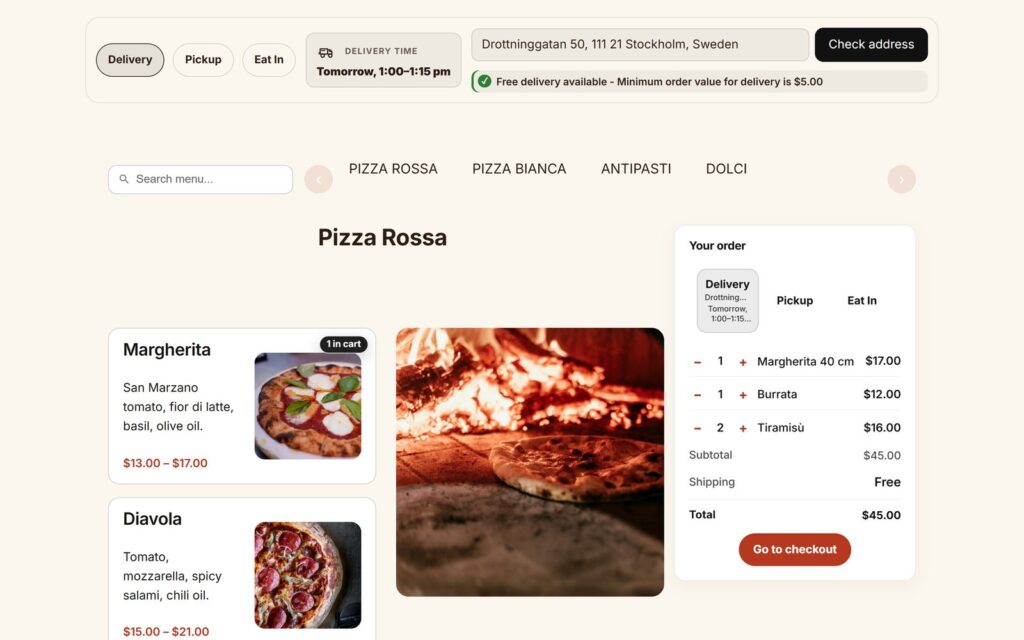
- 2026 Template: clean and modern. Pick one accent color and the rest is laid out for you. See it live: Forno →
- Valdemar Dark: dark and stylish, for sushi and cocktail bars. See it live: Sora →
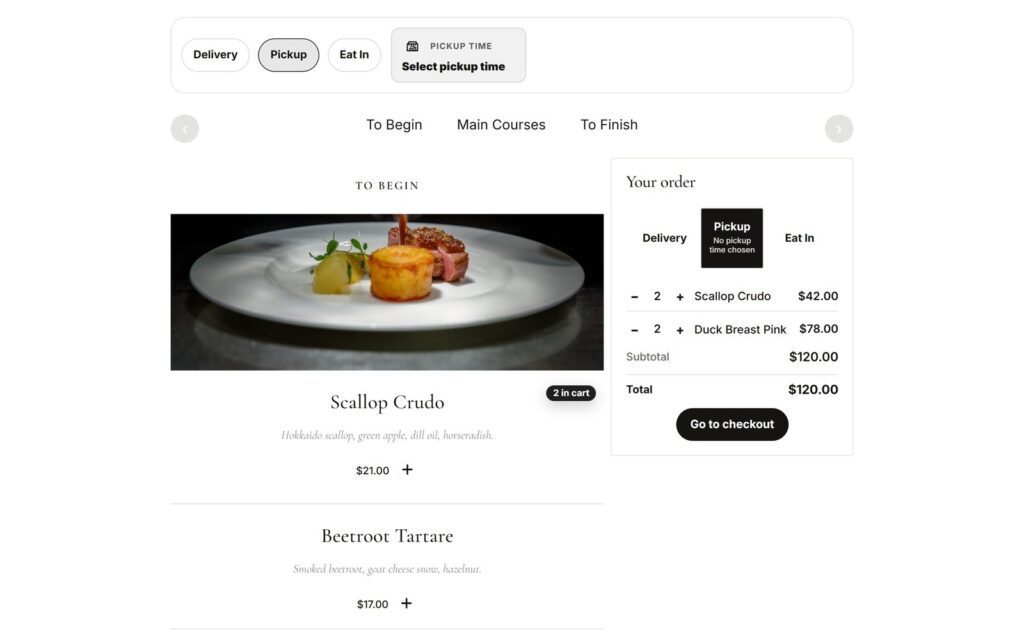
- Ellen Noble: calm and elegant, for fine dining. See it live: Maison →
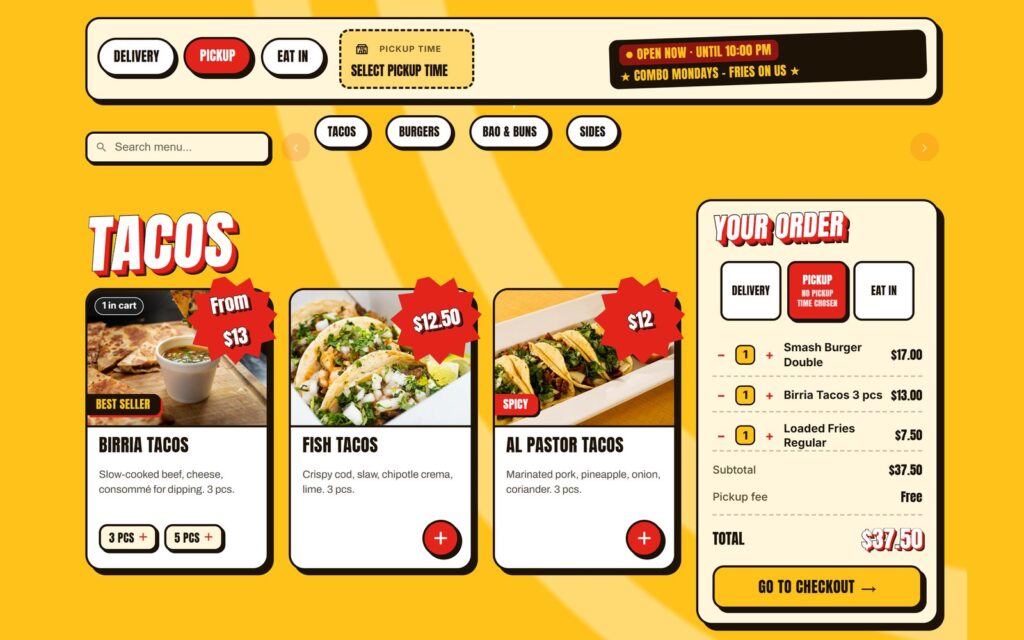
- Einar’s Fusion: bold and colourful, for street food. See it live: Street Kitchen →
- Arcade: loud and playful, for burgers. See it live: Burger Arcade →
- Street: raw and graphic, for pizza by the slice. See it live: Night Slice →
A template is a starting point, not a cage. You can change any color, font or spacing in the block settings afterwards, or choose Custom and design the menu from scratch, like Bar Nocturne in the demo.
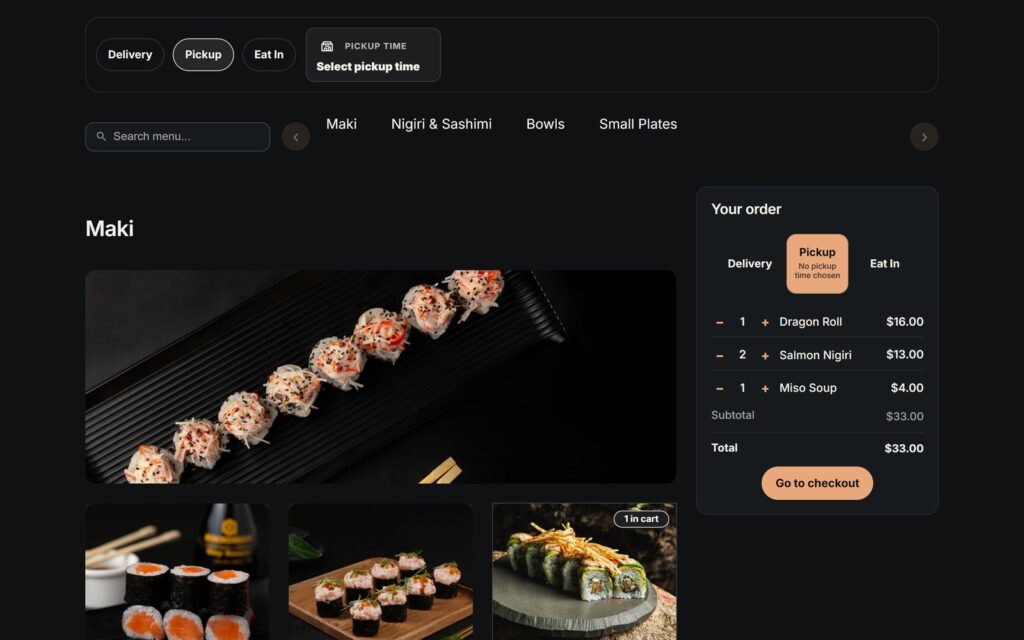
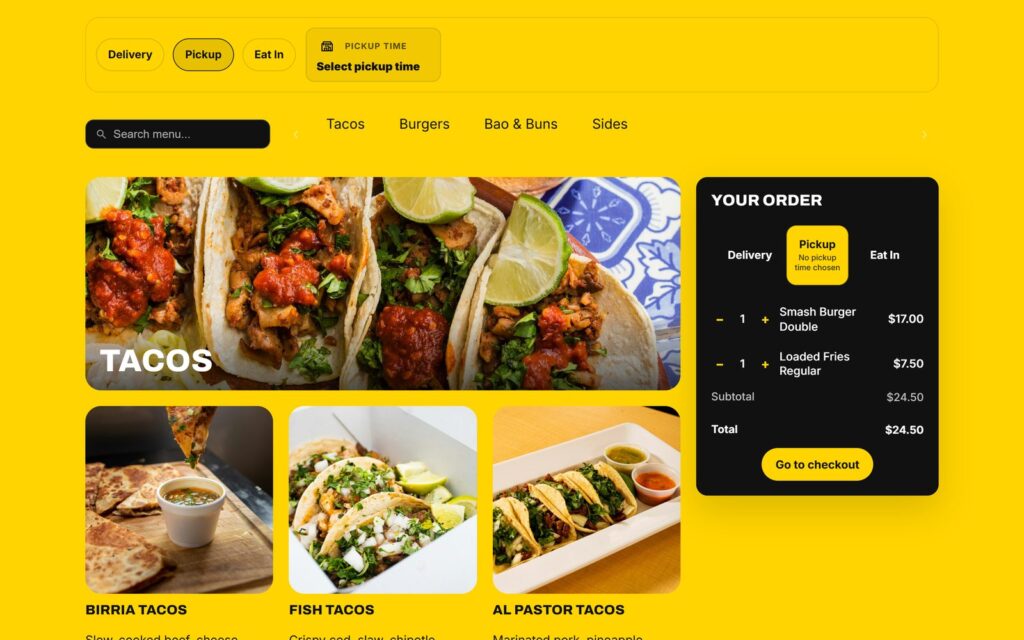
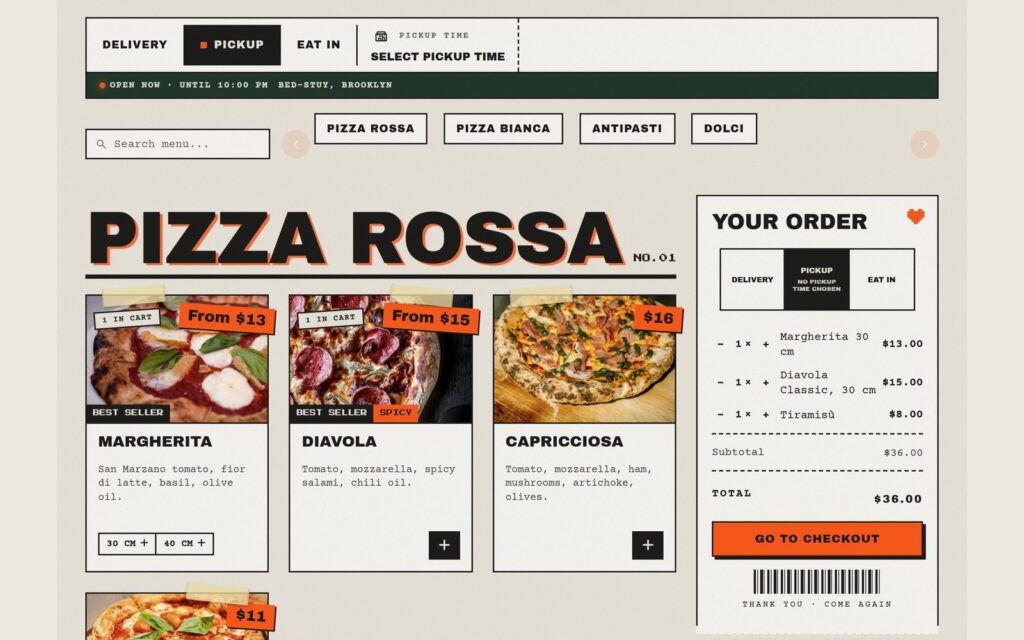
One click to a complete ordering page
In the Food Online settings, the Blocks Guide has a button called Create Ordering Page with Menu Flow. It creates a draft page with everything a guest needs to order:
- an order bar where the guest picks delivery, pickup or eat in
- an address check with suggestions as they type
- the time they want their food
- the menu and a mini cart, also on phones
The parts are connected, so the mode, address and time the guest chooses follow them through the menu, the cart and the checkout. Choose your modes and a template, publish, and add the page to your site menu.
The whole site in the same style
Food Online Premium includes Food Online Kitchen, a block theme for restaurants. Its six styles match the six menu templates, so the start page, the menu and the checkout look like one site:
- a ready-made restaurant start page with a hero, an about section, an order button and opening hours
- a choice of standard, centered or sticky header, and a footer with opening hours and contact details
- checkout and order confirmation with a focused header and a “Back to the menu” link
- fonts loaded from your own site, not from Google
The theme is optional. Food Online works with your current theme as well. The whole live demo runs on Food Online Kitchen, so you can see how it looks together.
From WooCommerce to taking orders in four steps
- Add your dishes as WooCommerce products, in categories such as Starters, Pizza and Drinks.
- Set up delivery, pickup or eat in with WooCommerce shipping methods.
- Create the ordering page in the Blocks Guide and pick a template.
- Set up the checkout with delivery and pickup times.
The set-up guide walks you through each step.
Already using Food Online?
Your classic menu pages keep working with your current settings. The new templates work for the classic shortcodes too, so an existing [foodonline] page gets the new look with one attribute, without rebuilding it. See the classic menus in the demo, for example Valdemar Dark and Ellen Noble built with the shortcode. Move to the blocks when you are ready. Read Upgrading to 6.0 before you update a live store.
Questions
What do I need?
WordPress 6.6, WooCommerce 9.8 and PHP 7.4 or later.
Do you take a commission per order?
No. You pay for the plugin, and the orders and the guests are yours. Read Online ordering for restaurants without commission.
Can guests check whether you deliver to them?
Yes, the address check is part of the ordering page. For delivery areas drawn on a map, add Shipping Zones by Drawing.
Is there a free version?
Yes, Food Online for WooCommerce on WordPress.org. Premium adds the address check, checkout fields per mode, the checkout blocks with delivery and pickup times, and the Food Online Kitchen theme. Compare them on foodonlineplugin.com.